Housing Market Insights tutorials
Market research for agents, developers and investors: search demand, approved sources, guides and alerts. Free, step by step, with captions. 30 short videos for agents, developers and investors.
- Start here
- Your account
- Explore the markets
- Sources and news
- Alerts and exports
- Guides and leads
- Pro and billing
Start with the overview
Start here
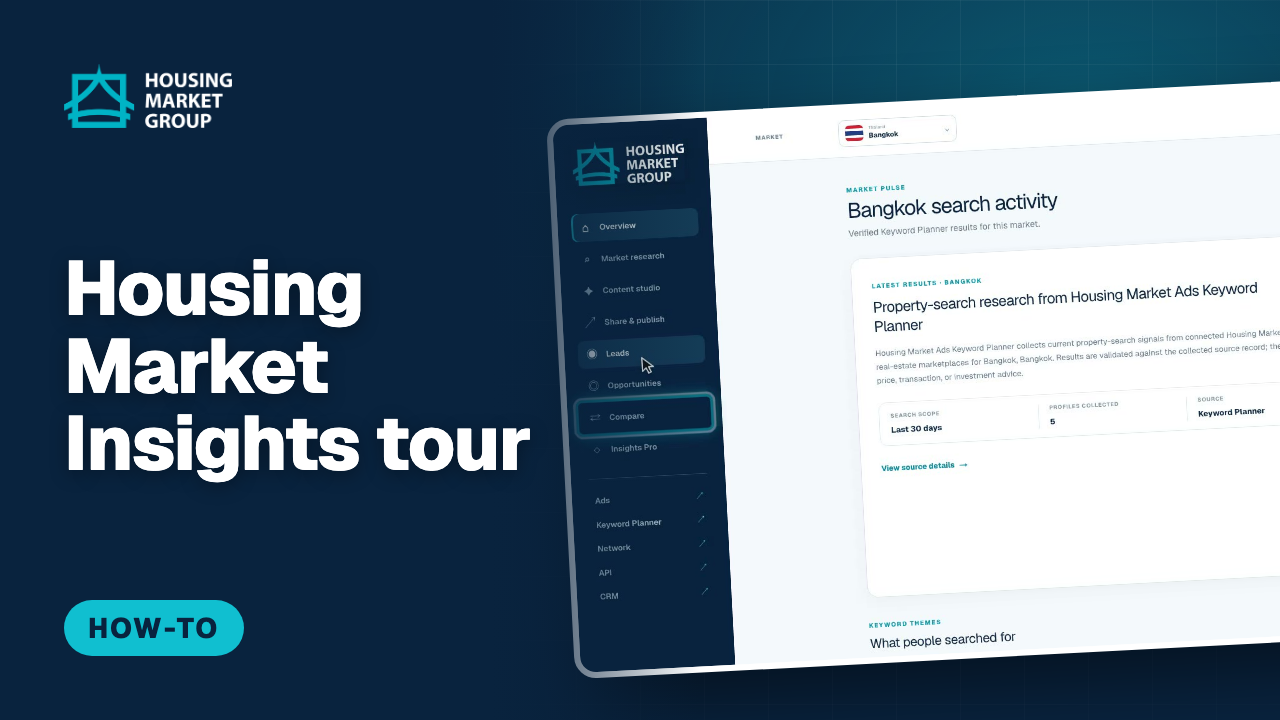
Housing Market Insights Overview — A Quick Tour
Housing Market Insights shows what people are really searching for on the Housing Market portals. This tour starts on the overview, then walks through the left-hand menu: Market research with search demand for the selected city, Content studio for client guides, Share & publish, Leads, Opportunities, Compare and Insights Pro. At the top are the market picker, the language menu, the light and dark switch and the Pro upgrade. The overview, market research and approved sources are public, so you can explore before creating an account.
Watch and follow the steps : Housing Market Insights Overview — A Quick Tour
Your account
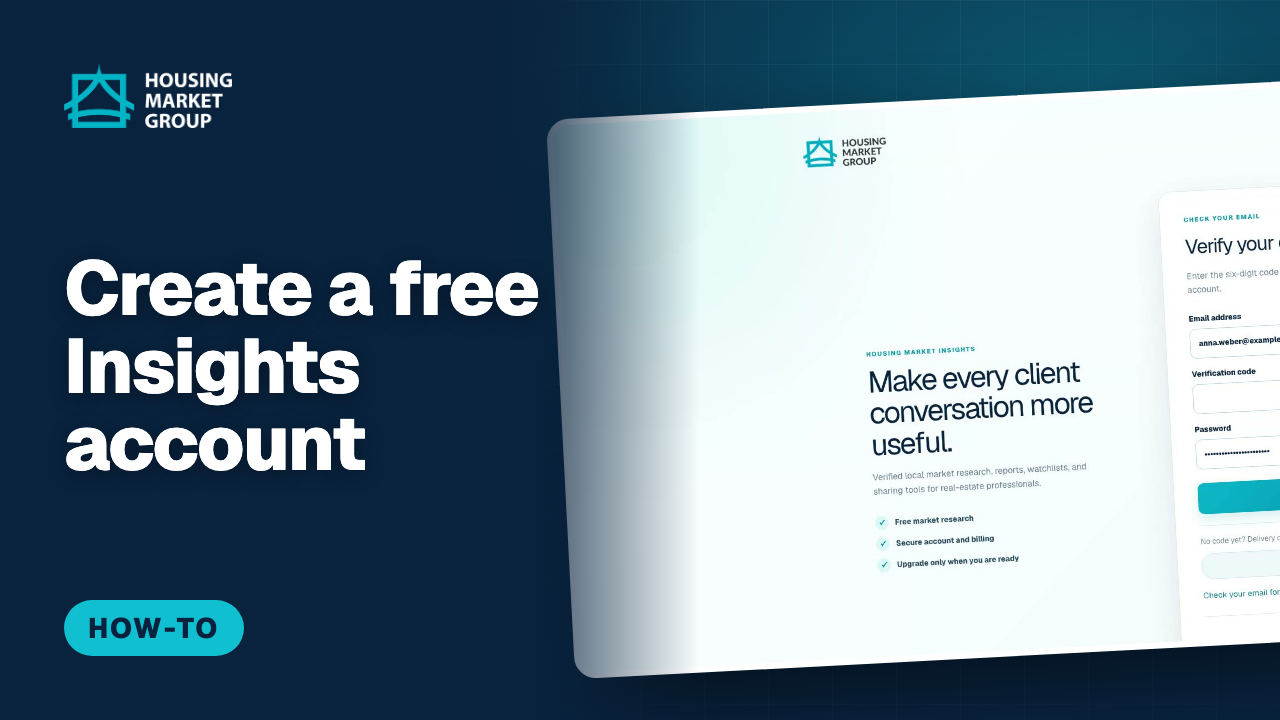
How to Create a Housing Market Insights Account
A free Housing Market Insights account lets you keep a watchlist of markets, save your profile for guides, and receive verified market alerts. This tutorial opens the sign-in page, chooses "Create a free account", enters an email address and a password, and confirms the address with the six-digit code Insights sends. After confirming, you are signed in and land back in the app. No card is needed for a free account; Pro can be added later from Plans.
Watch and follow the steps : How to Create a Housing Market Insights Account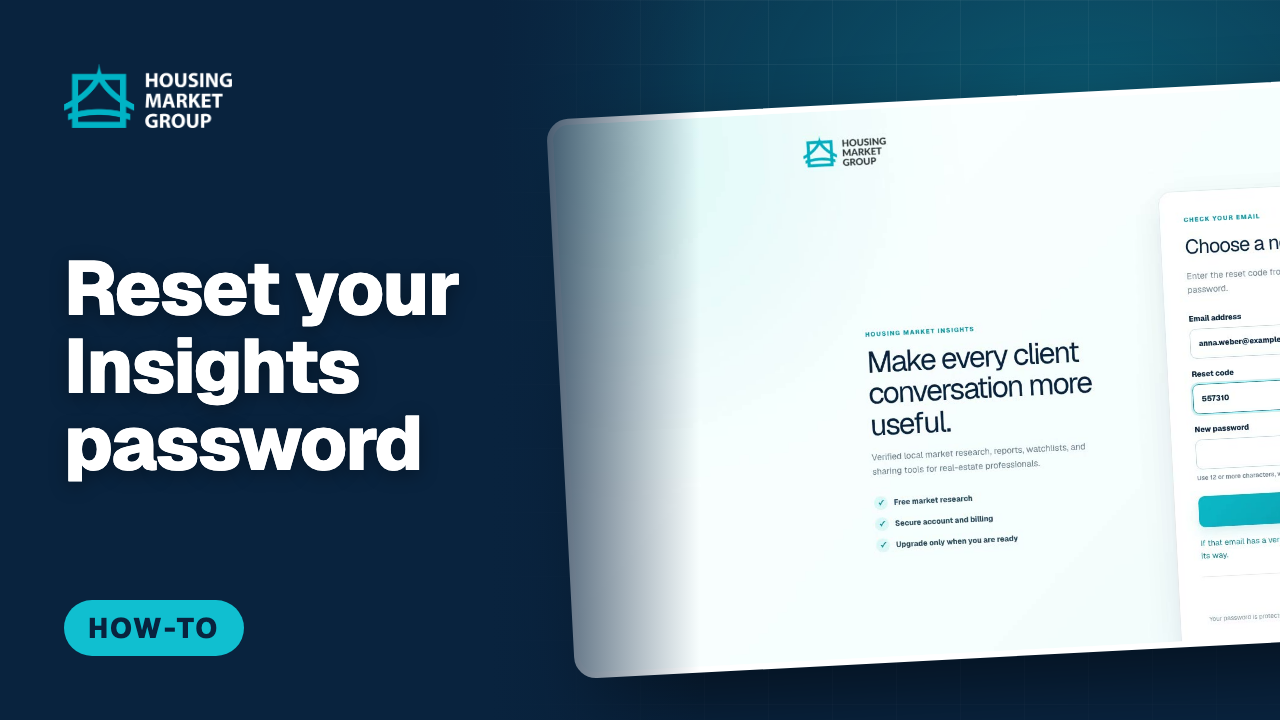
How to Reset Your Housing Market Insights Password
This tutorial resets a Housing Market Insights password. On the sign-in page we choose "Forgot password?", enter the account’s email address and request a reset code. The page then asks for the six-digit code from the email and a new password, and "Reset password and sign in" completes the change and signs you straight in. The confirmation message is the same whether or not the address has an account, so the form cannot be used to check who is registered.
Watch and follow the steps : How to Reset Your Housing Market Insights Password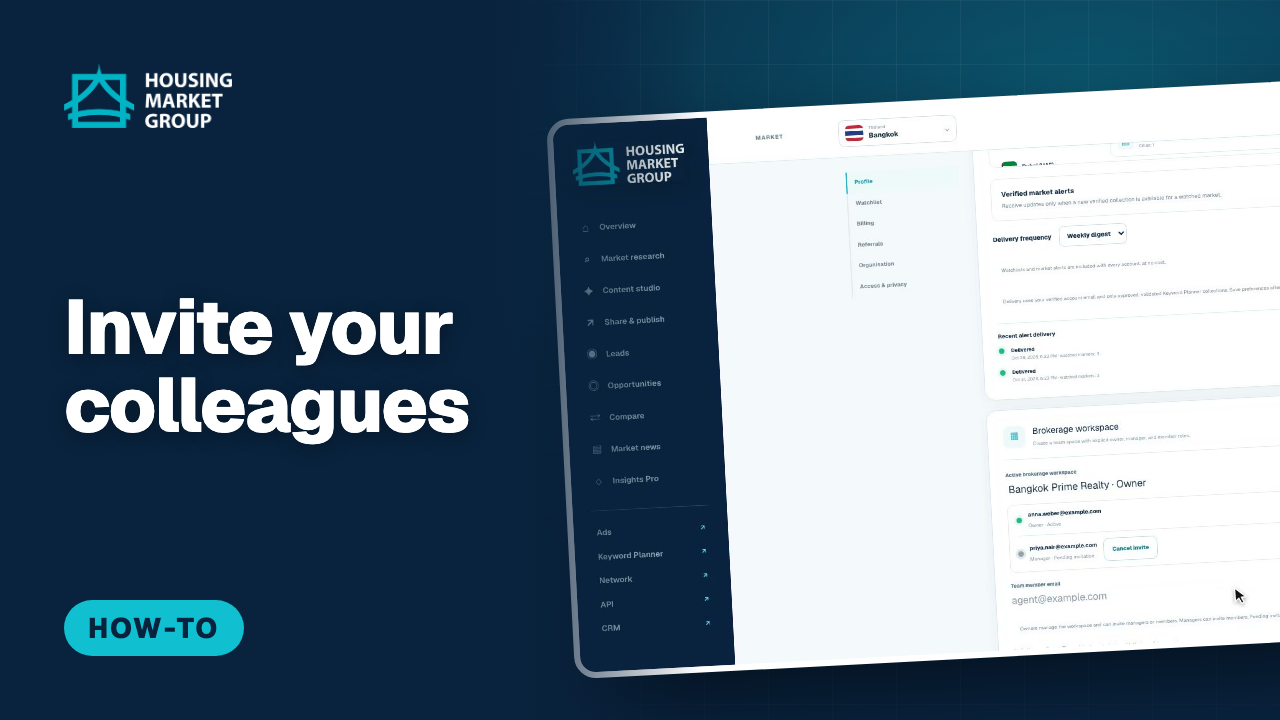
How to Invite Colleagues to Housing Market Insights
A brokerage workspace lets a team work in Housing Market Insights with clear owner, manager and member roles. This tutorial opens Settings, finds the Brokerage workspace card, creates a workspace named after the agency, and then invites two colleagues by email: one as a manager and one as a member. It shows the member list with each person's role and whether they are active or invited, and how an invitation that has not been accepted yet can be cancelled. It also states what creating a workspace does not do: it never exposes your private drafts, guides, leads or markets to anyone else.
Watch and follow the steps : How to Invite Colleagues to Housing Market Insights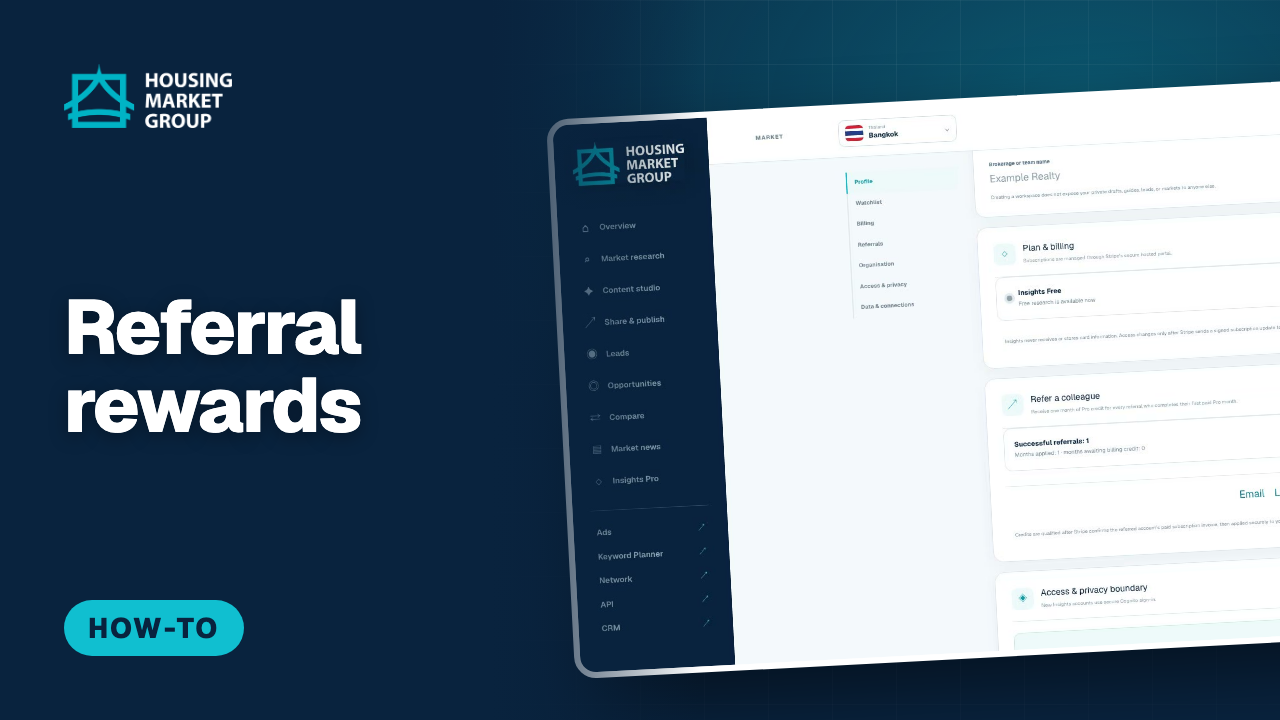
How Referral Rewards Work in Housing Market Insights
Every Housing Market Insights account has a personal referral link, and each colleague who completes a first paid Pro month earns you one month of Pro credit. This tutorial opens Settings, goes to Refer a colleague, and shows the number of successful referrals, the months applied and the months still waiting for a billing credit. It copies the referral link and points out the share buttons for email, LinkedIn, Facebook and X. It closes with the rules that protect the programme: credits are confirmed after our payment provider confirms the referred account's first paid invoice, and self-referrals and duplicate rewards are blocked.
Watch and follow the steps : How Referral Rewards Work in Housing Market Insights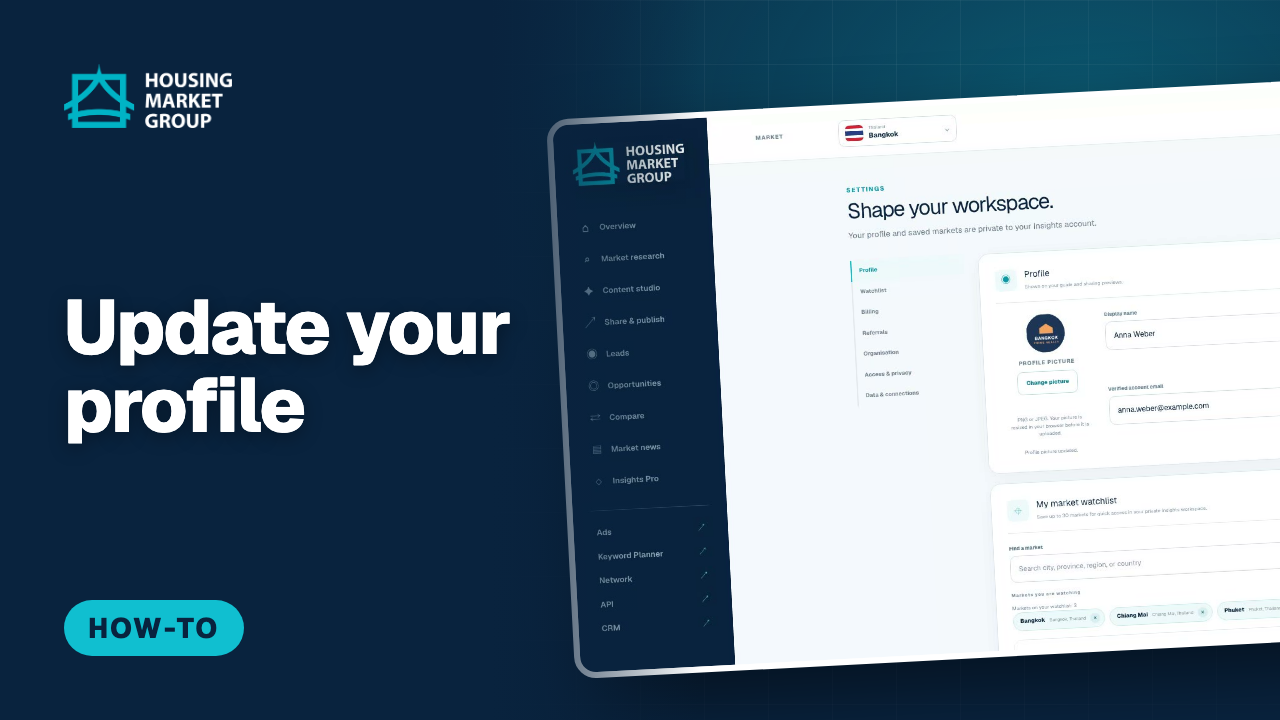
How to Update Your Profile in Housing Market Insights
Your Housing Market Insights profile is what readers see on the guides you share, so it is worth setting up once. This tutorial opens Settings and the Profile card. It adds a profile picture, then changes the display name, the professional title and the phone number, and saves with Save preferences. It points out the one field you cannot edit here: the verified account email, which is the address you sign in with. The picture is resized in your browser before it is stored, and your details are shown only on guides you choose to share.
Watch and follow the steps : How to Update Your Profile in Housing Market Insights
Accept a Workspace Invitation in Housing Market Insights
When a colleague invites you to their brokerage workspace in Housing Market Insights, you get an email with an Accept invitation button. This tutorial shows that email and what the button opens: the invitation page, where you sign in first and then press Accept invitation. Insights confirms that your brokerage role is now active and takes you to the brokerage workspace in Settings, where the member list shows you with the role you were invited as. If you do not have an account yet, the same page offers Create an account. You do not need Pro to accept: Pro is needed only to invite colleagues. Your own drafts, guides and leads stay private.
Watch and follow the steps : Accept a Workspace Invitation in Housing Market Insights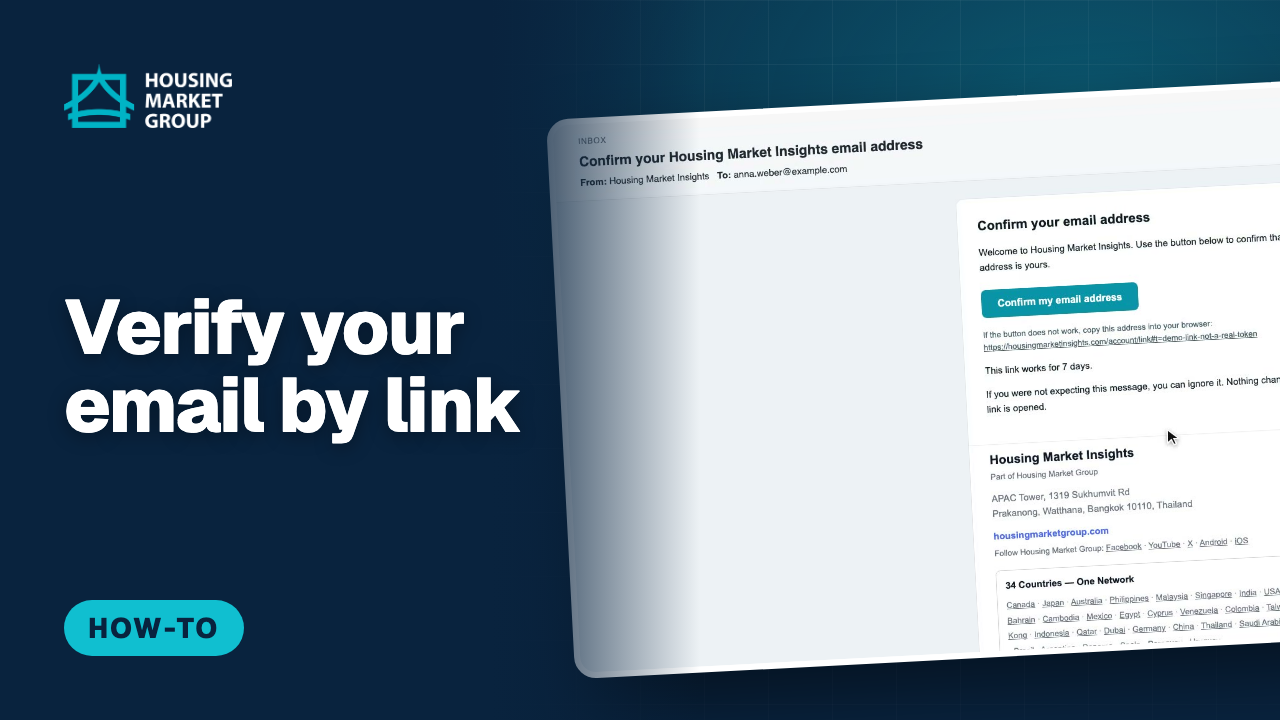
Verify Your Email by Link in Housing Market Insights
A Housing Market Insights account has to confirm its email address, and it does that with a link, not a code. If you sign in before you have confirmed, Insights shows a Check your email panel instead of the product: it says what to do and has one button, Send me a new verification email. This tutorial presses that button, shows the Wrong address option for an address typed wrongly at sign-up, opens the email Insights sends, and presses its link. After you press Confirm on the page the link opens, Insights recognises the confirmation by itself, so you do not sign in a second time. Nothing in this video asks you to type a code.
Watch and follow the steps : Verify Your Email by Link in Housing Market Insights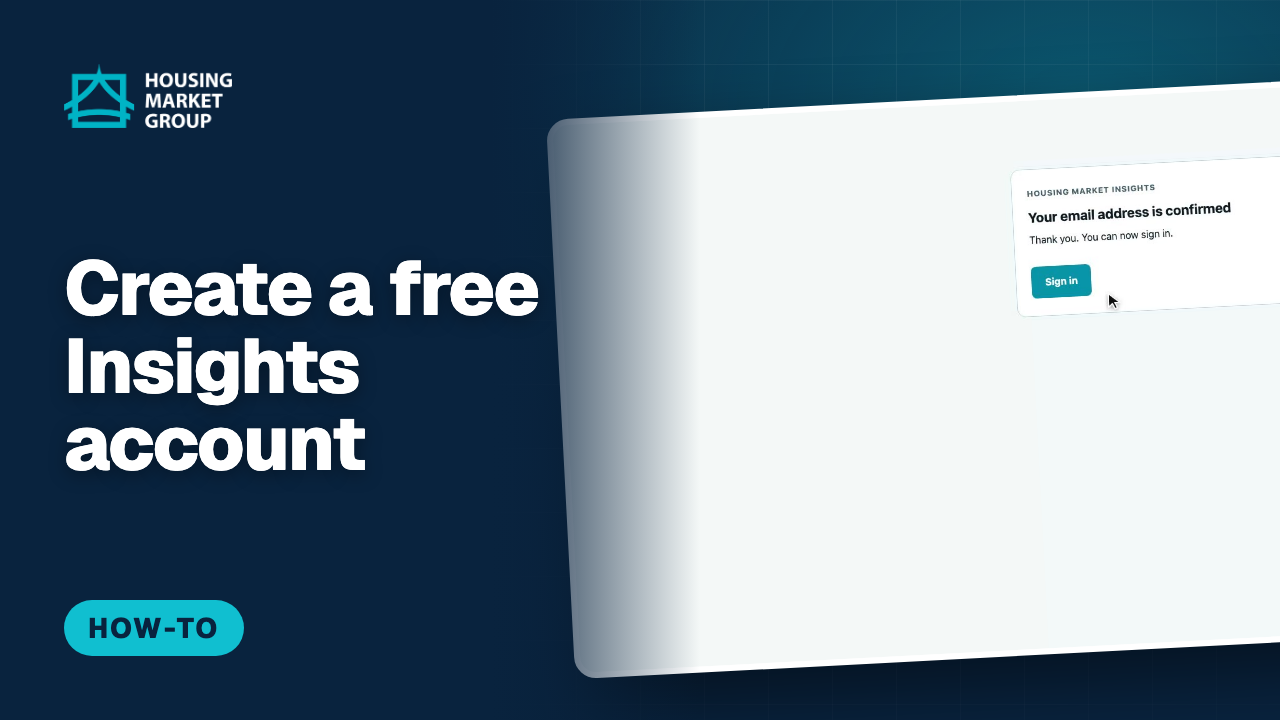
How to Create a Housing Market Insights Account by Email Link
A free Housing Market Insights account lets you keep a watchlist of markets, save your profile for guides, and receive verified market alerts. This tutorial opens the sign-in page, chooses "Create a free account", enters an email address and a password, and confirms the address with the link Insights emails to you. There is no code to type: you press the button in the email, then sign in. No card is needed for a free account; Pro can be added later from Plans.
Watch and follow the steps : How to Create a Housing Market Insights Account by Email Link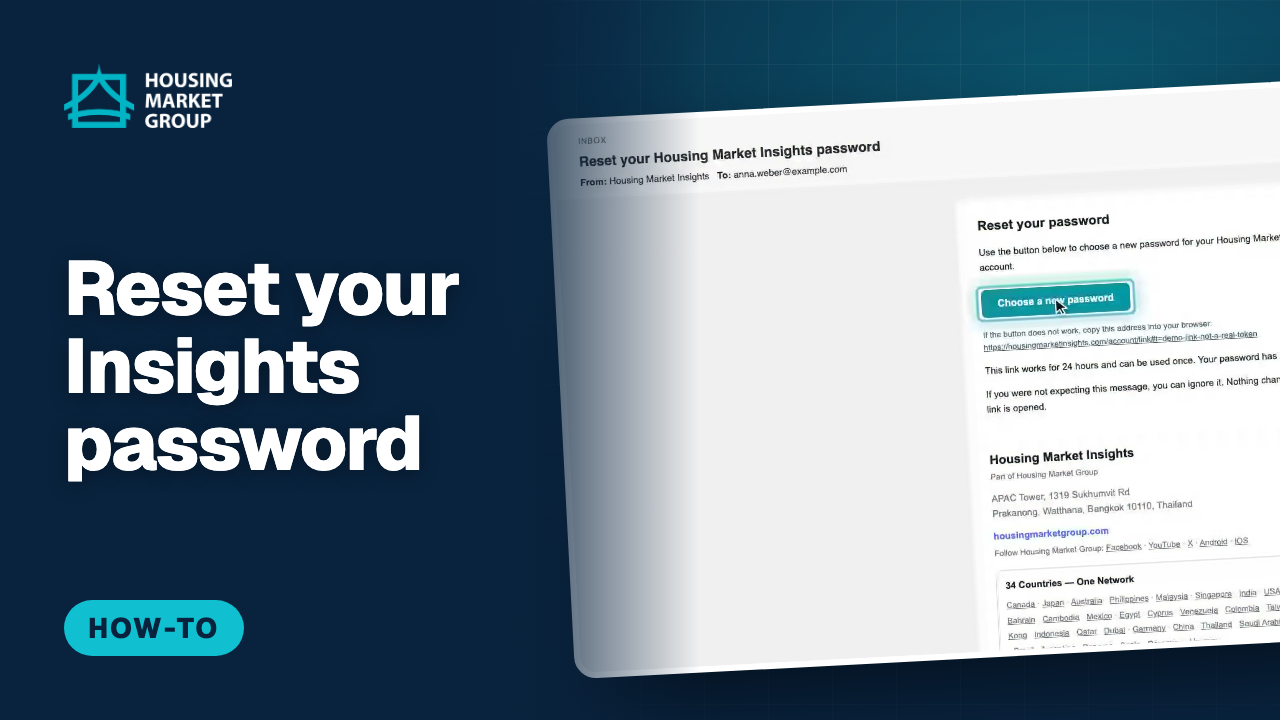
How to Reset Your Housing Market Insights Password by Email Link
This tutorial resets a Housing Market Insights password. On the sign-in page we choose "Forgot password?", enter the account’s email address and ask for a link. The link arrives by email and opens a page where you choose a new password; there is no code to type. The confirmation message is the same whether or not the address has an account, so the form cannot be used to check who is registered.
Watch and follow the steps : How to Reset Your Housing Market Insights Password by Email Link
Explore the markets
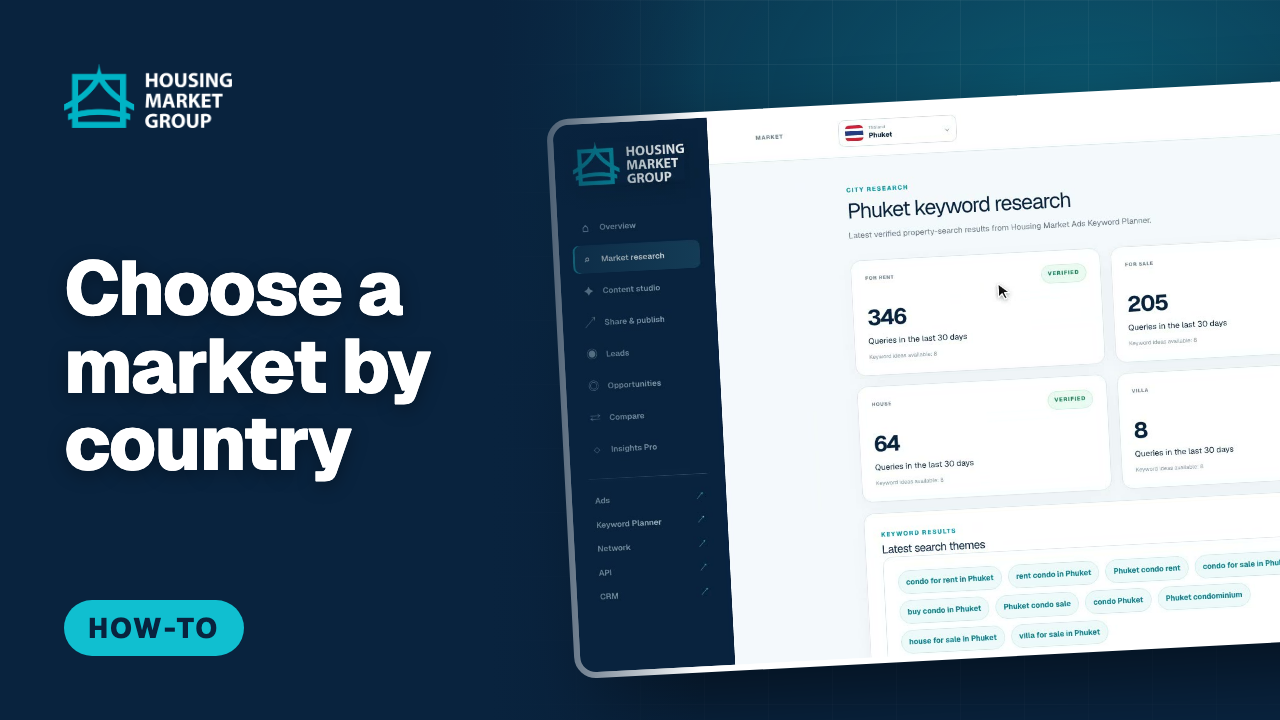
How to Choose a Market by Country in Housing Market Insights
Housing Market Insights organises its data by market. This tutorial opens the market picker at the top of the page, browses the country list of the 34-country Housing Market registry, picks Thailand, narrows down to a province and city, and shows how the whole app — research, sources and guides — switches to that market. You can also type a city, province or country into the search box to jump straight to it. The chosen market is kept in the page address, so a link you share opens on the same market.
Watch and follow the steps : How to Choose a Market by Country in Housing Market Insights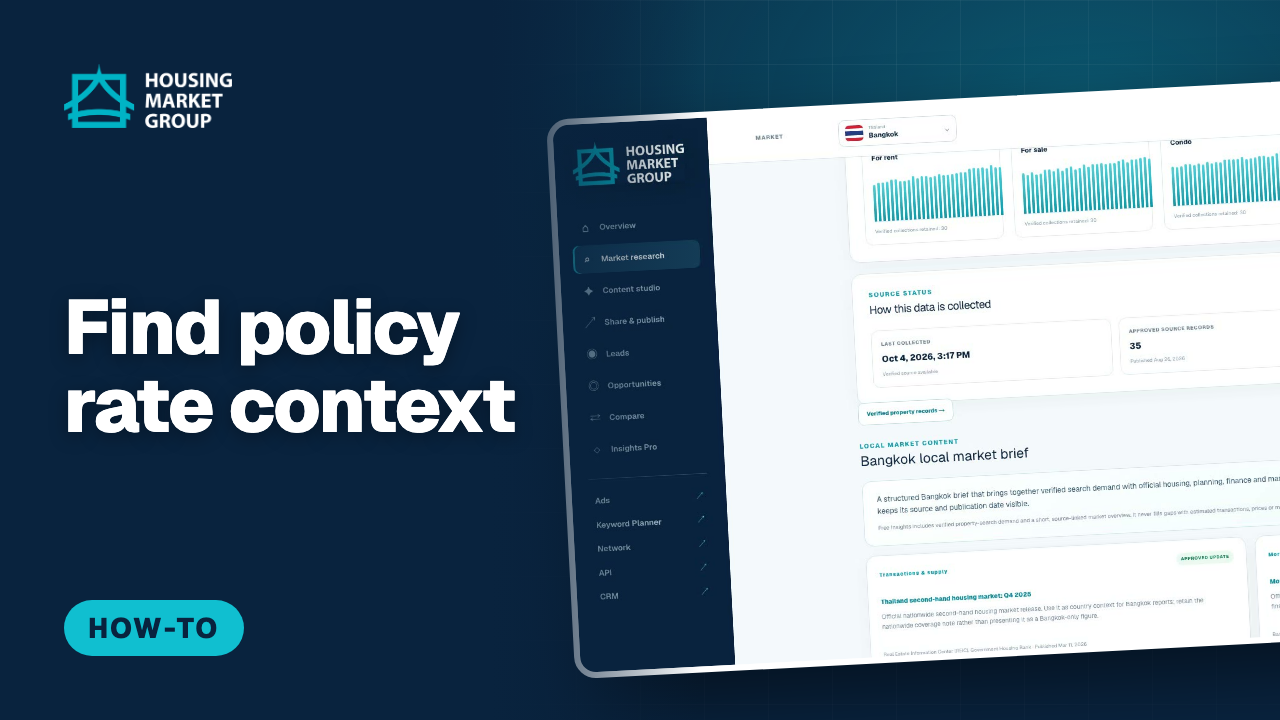
Where to Find Policy Rate Context in Housing Market Insights
Housing Market Insights does not track interest rates and shows no rate chart. What it does give you is a source: the Mortgage & finance context lane on a city research page carries an approved card for the Bank of Thailand’s policy rate decision, with its publisher, its publication date, the date Insights retrieved it, and a link straight to the original Monetary Policy Committee page. This tutorial opens the research page for Bangkok, scrolls to Local market content, finds that card in the finance lane, reads what it claims and what it covers, and shows where View source takes you. The card is Pro-visible and covers Thailand nationwide, so treat it as context for a conversation, never as a mortgage rate for one city.
Watch and follow the steps : Where to Find Policy Rate Context in Housing Market Insights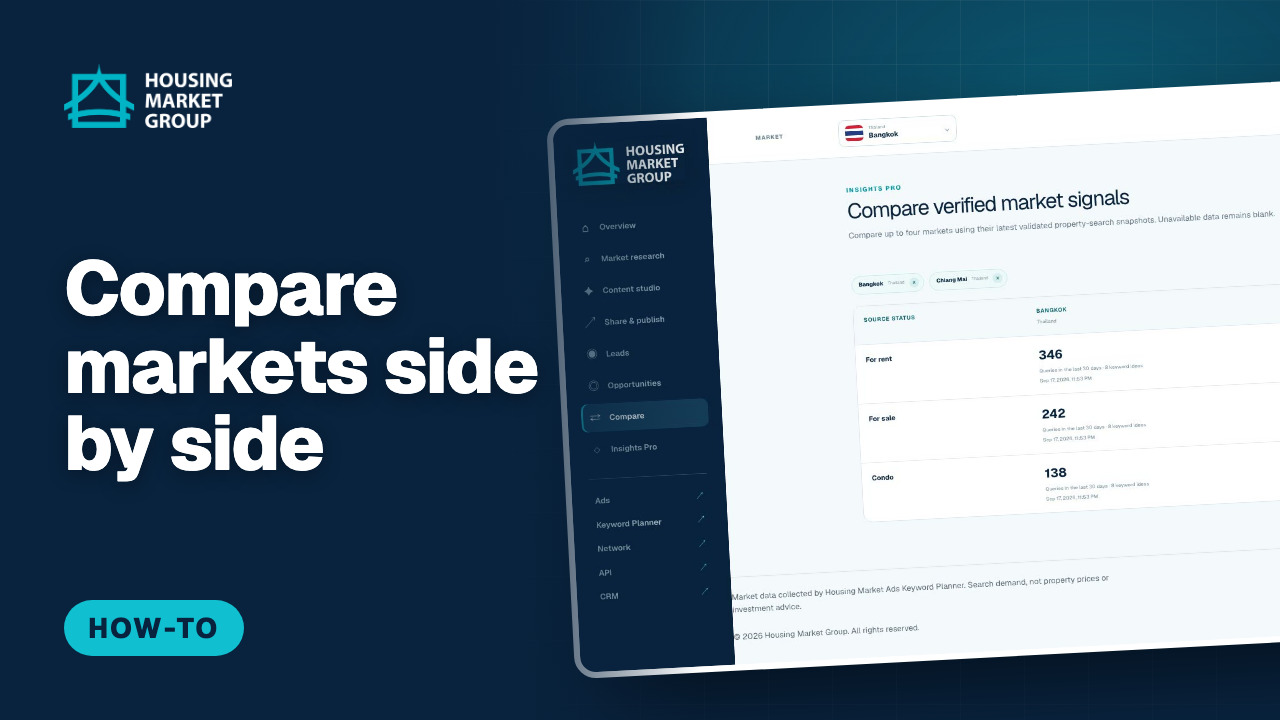
How to Compare Markets in Housing Market Insights
Compare, part of Housing Market Insights Pro, puts two to four markets side by side on the same search measures. This tutorial compares Bangkok and Phuket, adds Chiang Mai, and reads which market has more rental, sale and condo search demand. It is a quick way to answer an investor who asks where interest is strongest, using the same verified figures for every market.
Watch and follow the steps : How to Compare Markets in Housing Market Insights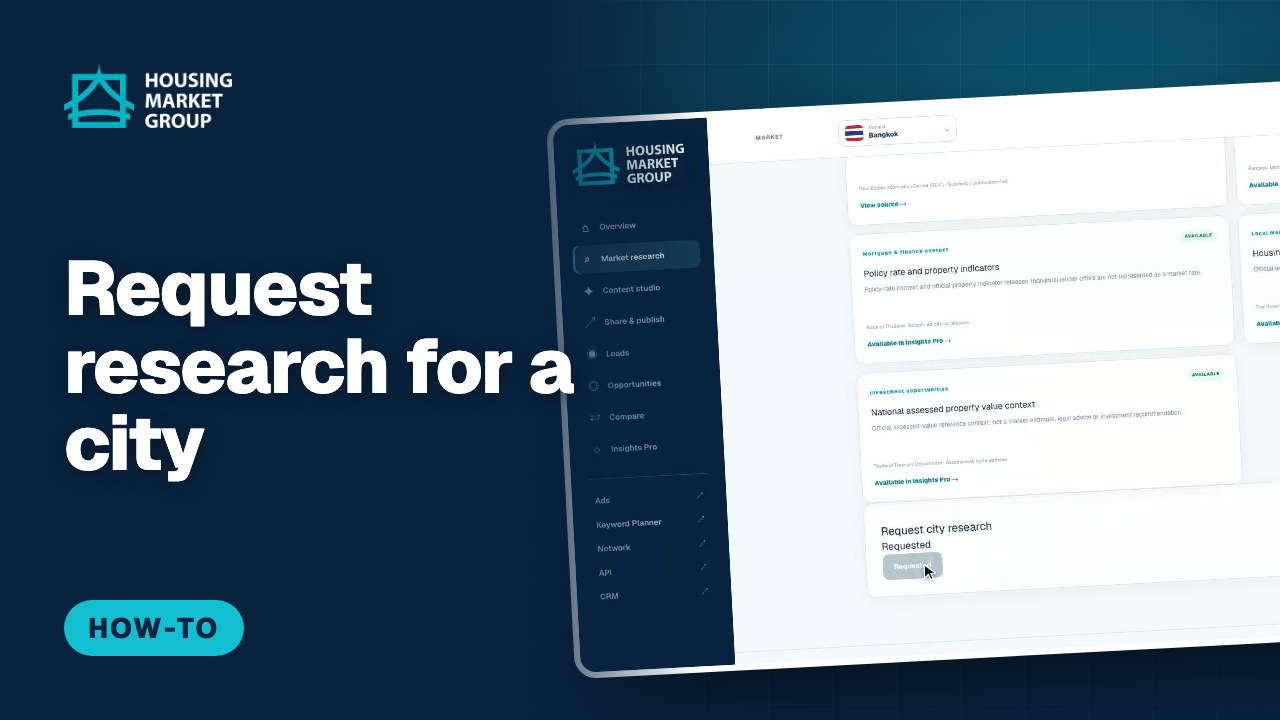
How to Request Research for a City in Housing Market Insights
Housing Market Insights adds markets based on demand. If a city you work in has no verified results yet, a signed-in user can request research for it from the research page; each request counts as a vote, and the page shows how many people asked and where the city stands. This tutorial opens a market that is still being collected, places a request, and shows the updated count.
Watch and follow the steps : How to Request Research for a City in Housing Market Insights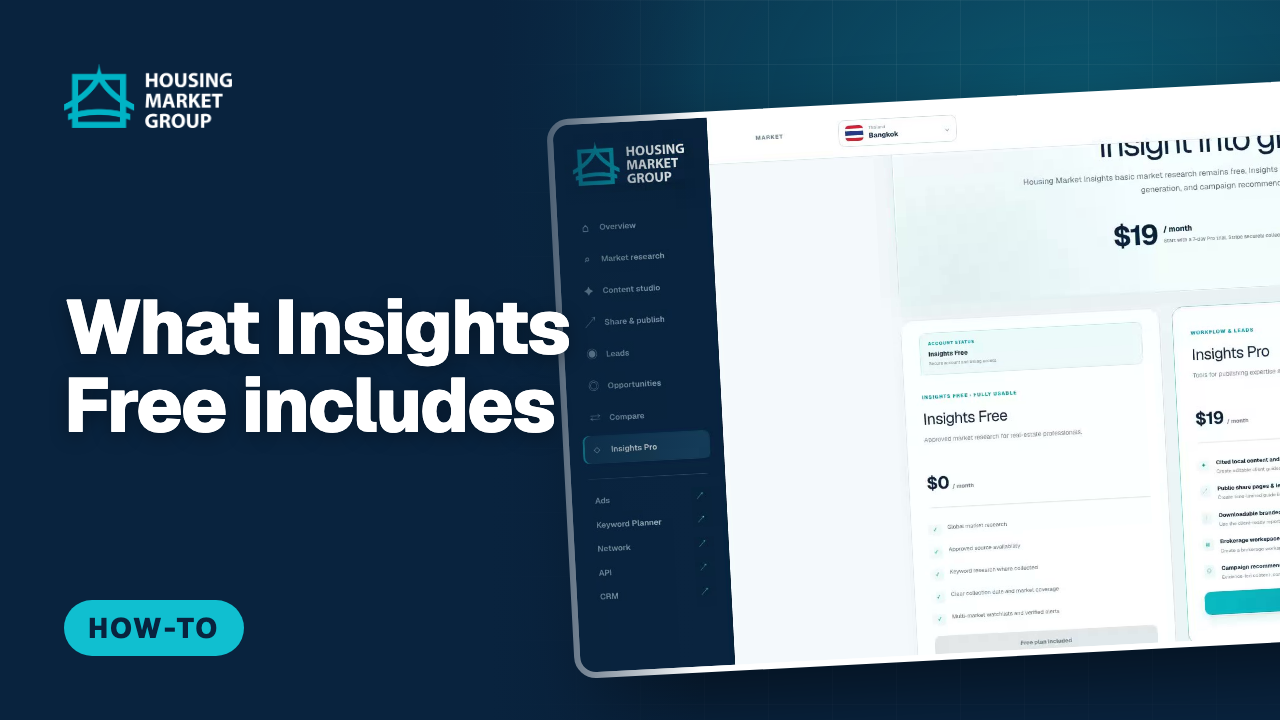
What the Free Plan Includes in Housing Market Insights
Market research on Housing Market Insights is free, and this tutorial shows exactly where the free plan ends and Insights Pro begins. It opens a city research page on a free account, reads the approved sources and collection dates that every account gets, then finds the one card on that page marked Insights Pro — the verified search activity history — and follows its "Unlock history" link through to the plans page, where the free and Pro columns are set out side by side. The example market is Bangkok.
Watch and follow the steps : What the Free Plan Includes in Housing Market Insights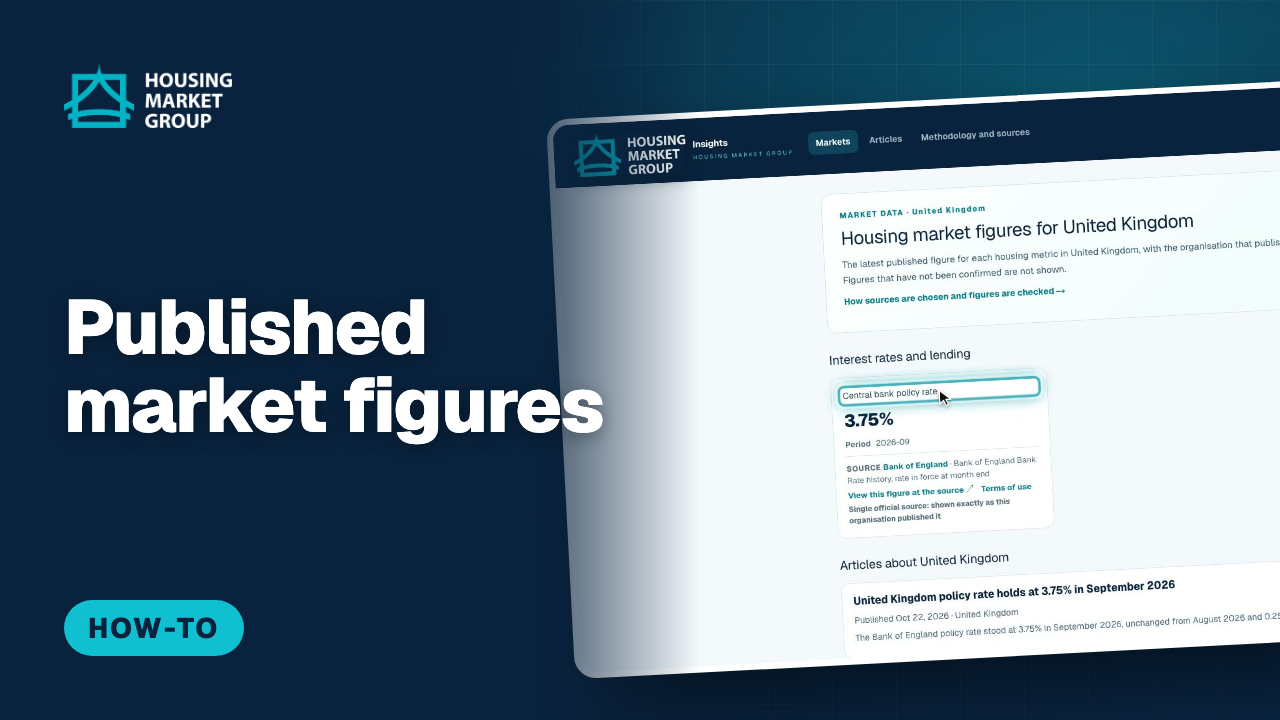
How to Read Published Market Figures in Housing Market Insights
Housing Market Insights publishes official housing market figures for the countries Housing Market Group covers, and anyone can read them without an account. This tutorial opens the Markets page, shows the list of countries and which ones already have published figures, and then opens a country page. There you see the latest published figure for each housing metric, the organisation that published it, the period it covers, the link to the original at the source, and the note that says whether a figure was confirmed by two independent sources or comes from the single official publisher. It ends with the articles written about that country.
Watch and follow the steps : How to Read Published Market Figures in Housing Market Insights
Sources and news
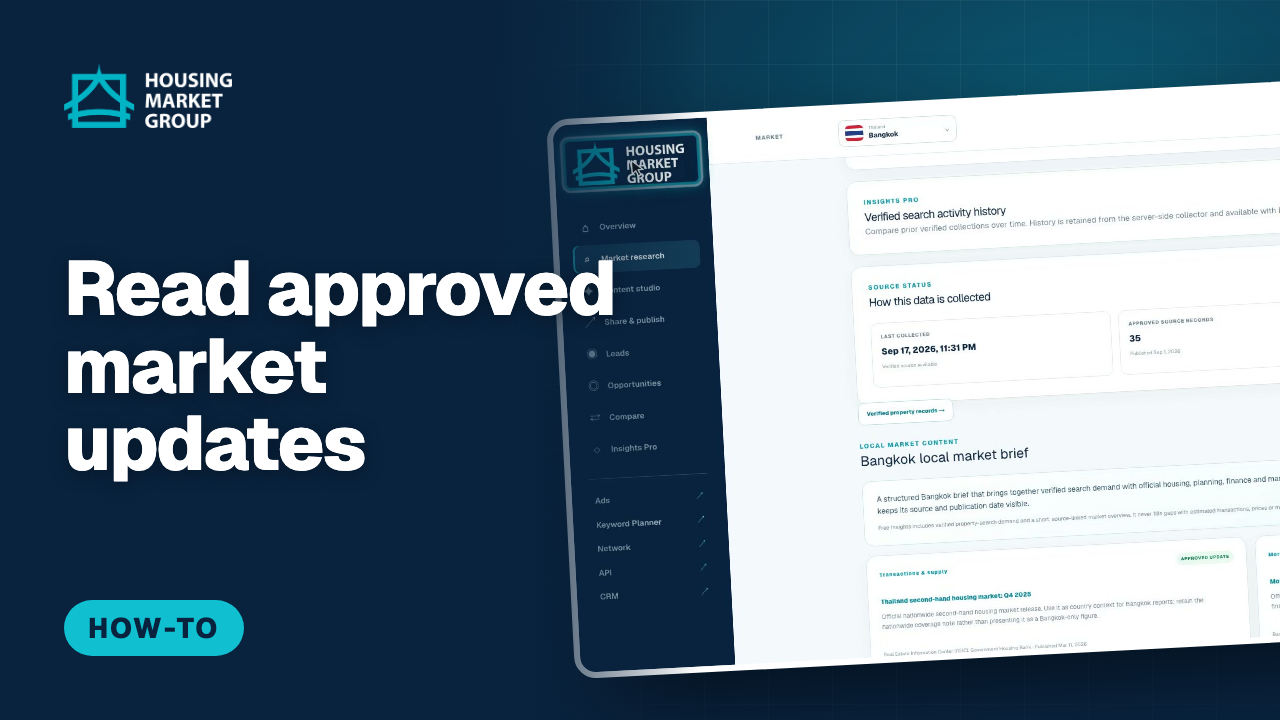
How to Read Approved Market Updates in Housing Market Insights
Alongside search demand, Housing Market Insights collects approved market updates: official reports, finance context, neighbourhood information and local news, each checked before it is shown and linked to its original source. This tutorial scrolls to Local market content on the research page for Bangkok, reads an approved update with its publisher and dates, opens the record, and follows "View source" to the original publication. The updates are grouped in lanes such as transactions and supply, neighbourhood context, mortgage and finance, and local news.
Watch and follow the steps : How to Read Approved Market Updates in Housing Market Insights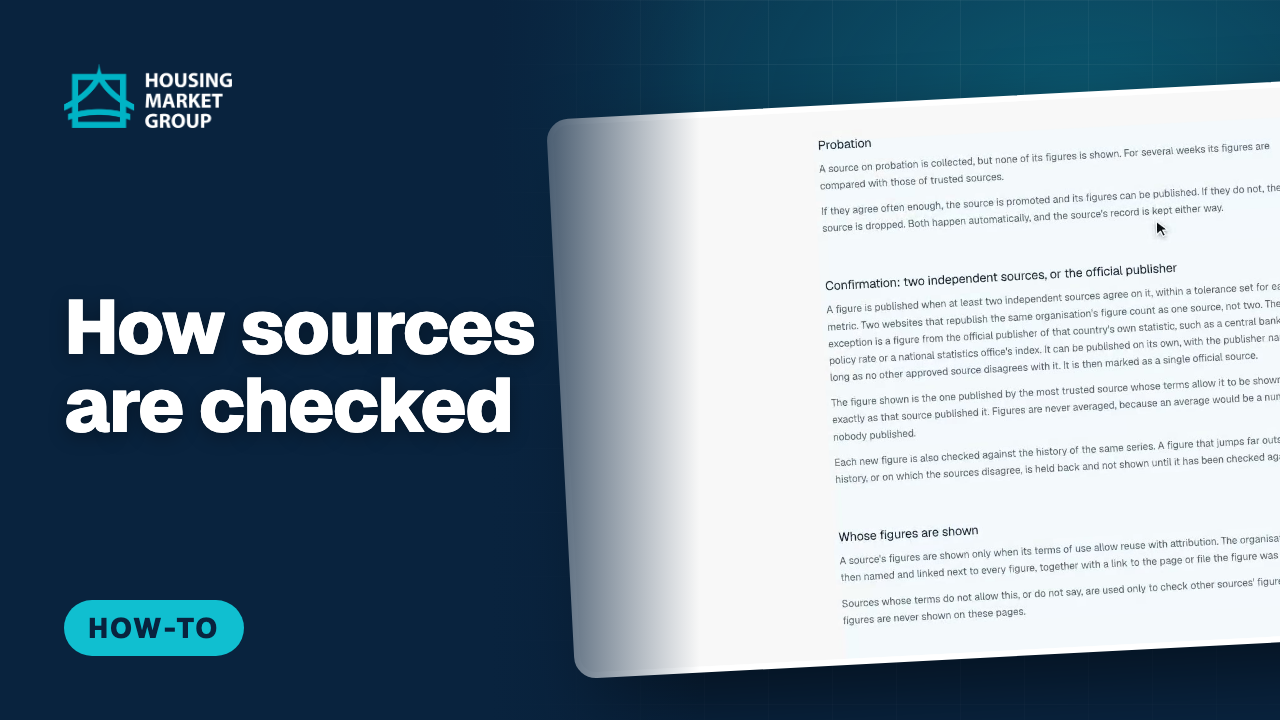
How Housing Market Insights Chooses and Checks Its Sources
Before you quote a market figure to a client you want to know where it came from. The Methodology and sources page of Housing Market Insights explains it in plain English. This tutorial walks through the page: where the figures come from, how a source is approved automatically with a trust score, what probation means, and the confirmation rule — a figure is published when at least two independent sources agree, or when it comes from the official publisher of that statistic. It then covers whose figures may be shown, how often figures update, why only aggregated statistics are published, and where to report a problem.
Watch and follow the steps : How Housing Market Insights Chooses and Checks Its Sources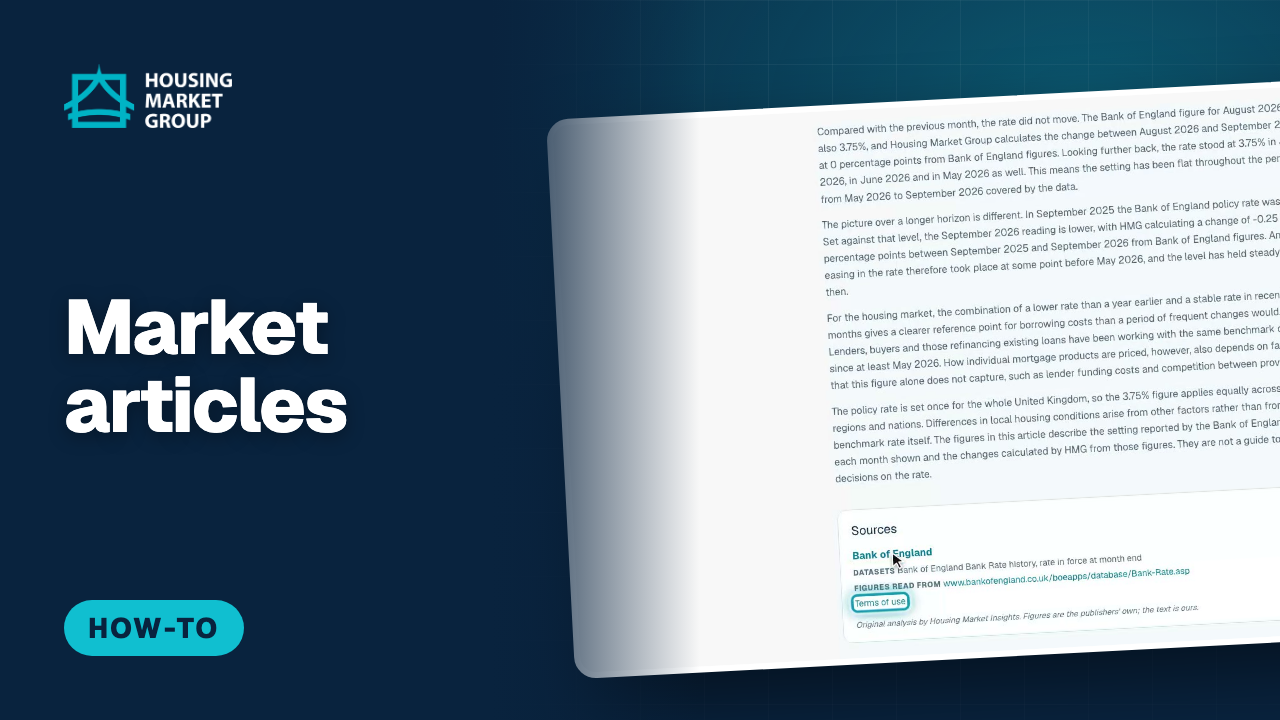
How to Read Market Articles in Housing Market Insights
Housing Market Insights writes short original articles around the figures that have passed its checks, and they are free to read. This tutorial opens the Articles page, shows the list with the country and publication date of each article, then opens one article and shows what is at the bottom of it: the sources, with the publishing organisation, the link to the original and the terms of use. It finishes by following the link from the article to the figures for its country, and back to the full list of articles.
Watch and follow the steps : How to Read Market Articles in Housing Market Insights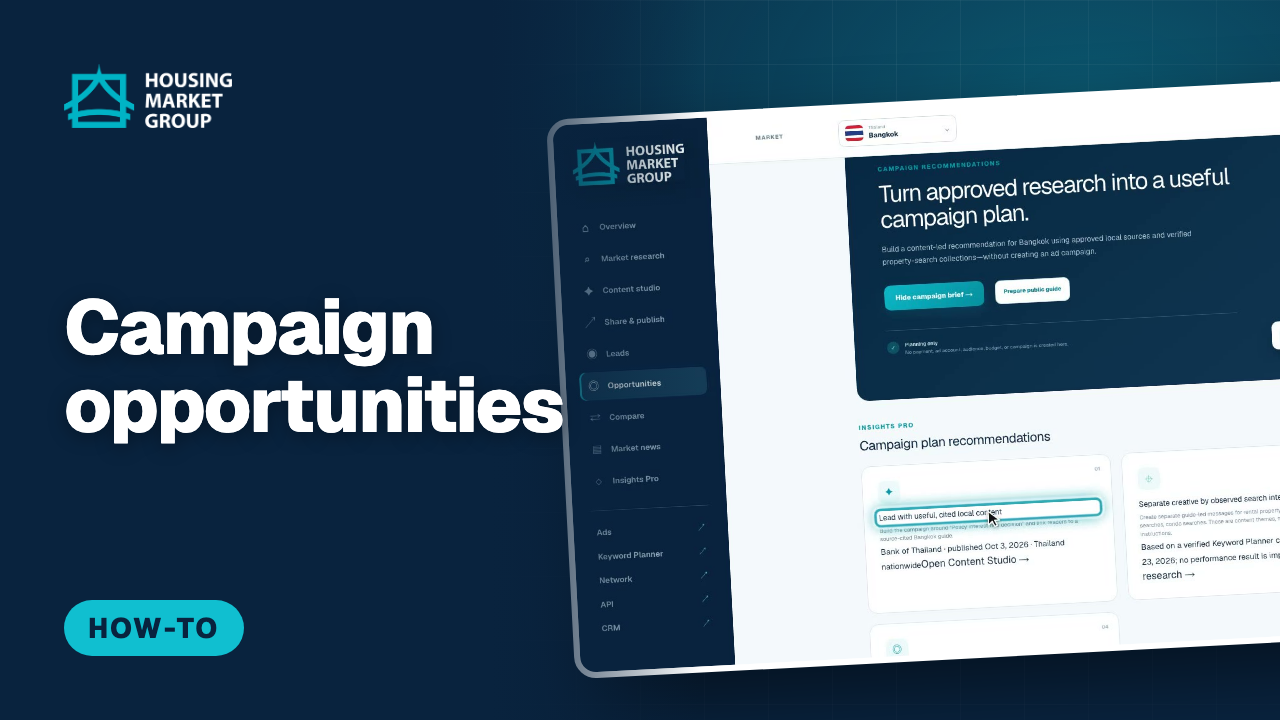
How to Read Campaign Opportunities in Housing Market Insights
Opportunities turns the approved research for your selected market into a campaign plan you can use before you spend anything. This tutorial opens Opportunities from the left menu, reads the campaign brief for Bangkok, and goes through the four recommendations: lead with useful cited local content, separate creative by observed search intent, use a consent-safe destination, and define measurement before any spend. Each card names the evidence behind it and links to the tool that helps — Content studio, Market research or the public guide. It ends with the note that matters most: this screen plans only, and campaign execution is not connected.
Watch and follow the steps : How to Read Campaign Opportunities in Housing Market Insights
Alerts and exports
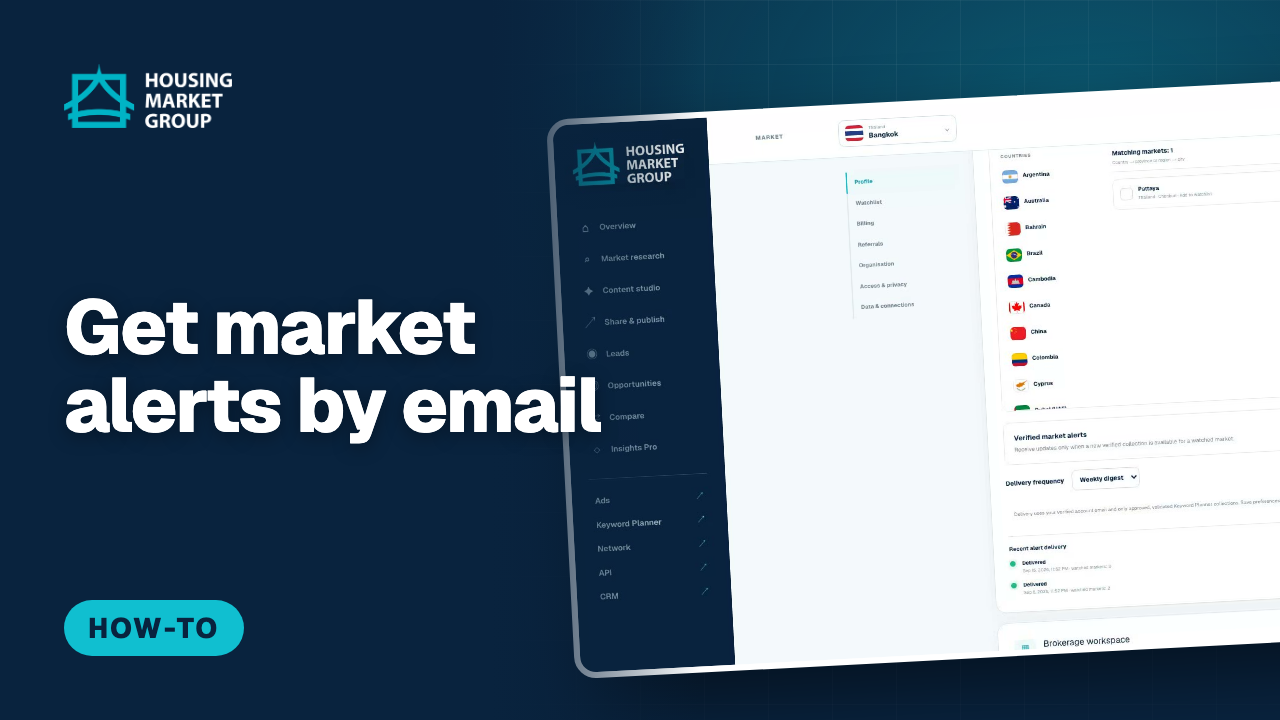
How to Subscribe to Market Alerts in Housing Market Insights
Verified market alerts send you an email when new, verified results are available for the markets you follow. This tutorial opens Settings, adds markets to your watchlist (up to 30), switches verified market alerts on, chooses between a weekly digest and a daily update, and saves. The recent deliveries list then shows when alerts were sent and which markets they covered. Alerts are delivered by email only.
Watch and follow the steps : How to Subscribe to Market Alerts in Housing Market Insights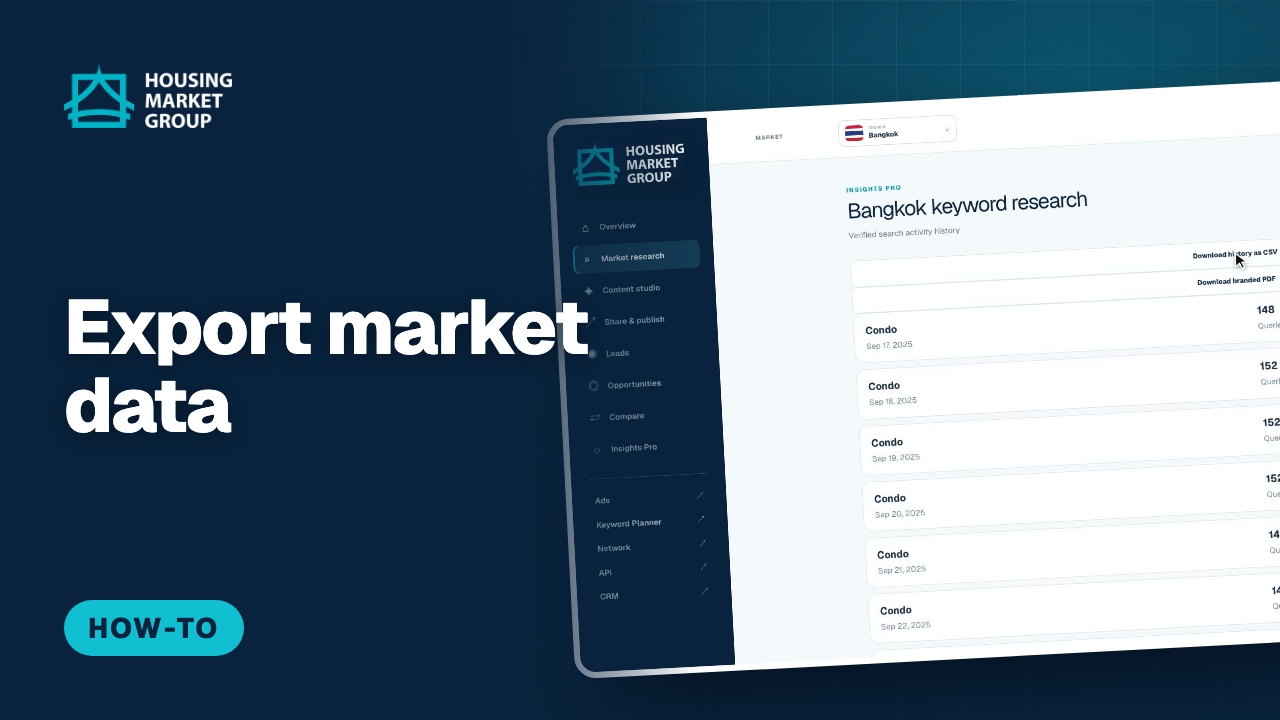
How to Export Market Data from Housing Market Insights
Insights Pro lets you take the search history with you. This tutorial opens the verified search activity history for Bangkok and shows the two downloads: a CSV file for spreadsheets and your own analysis, and a branded PDF to share with clients or colleagues. Both contain the same verified figures you see on screen for the selected market.
Watch and follow the steps : How to Export Market Data from Housing Market Insights
Guides and leads
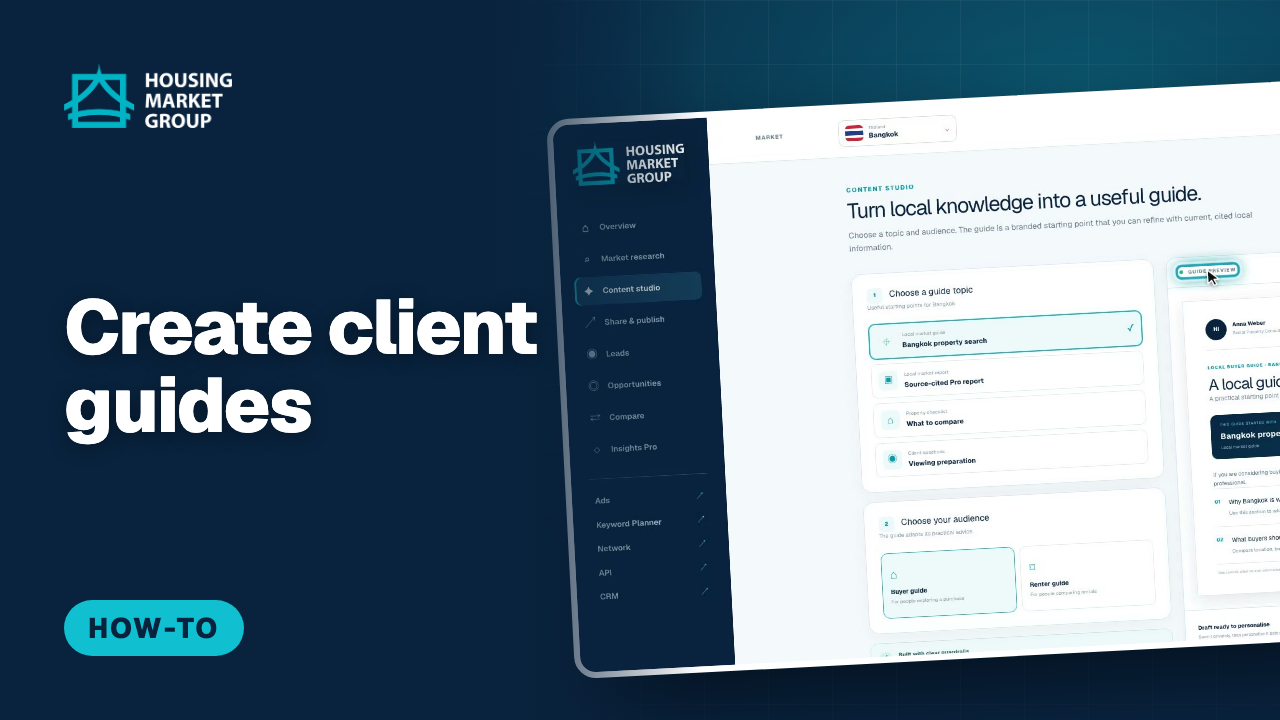
Content Studio in Housing Market Insights — Client Guides
Content studio turns Housing Market Insights research into guides and reports you can give to clients. This tutorial picks a topic — a local market guide for Bangkok — chooses the audience, buyers or renters, and reviews the guide preview, which is built from current search results and approved sources and carries your name and title. From there you save a draft, download a PDF, or personalise and share the guide. Saved drafts appear under Your workspace.
Watch and follow the steps : Content Studio in Housing Market Insights — Client Guides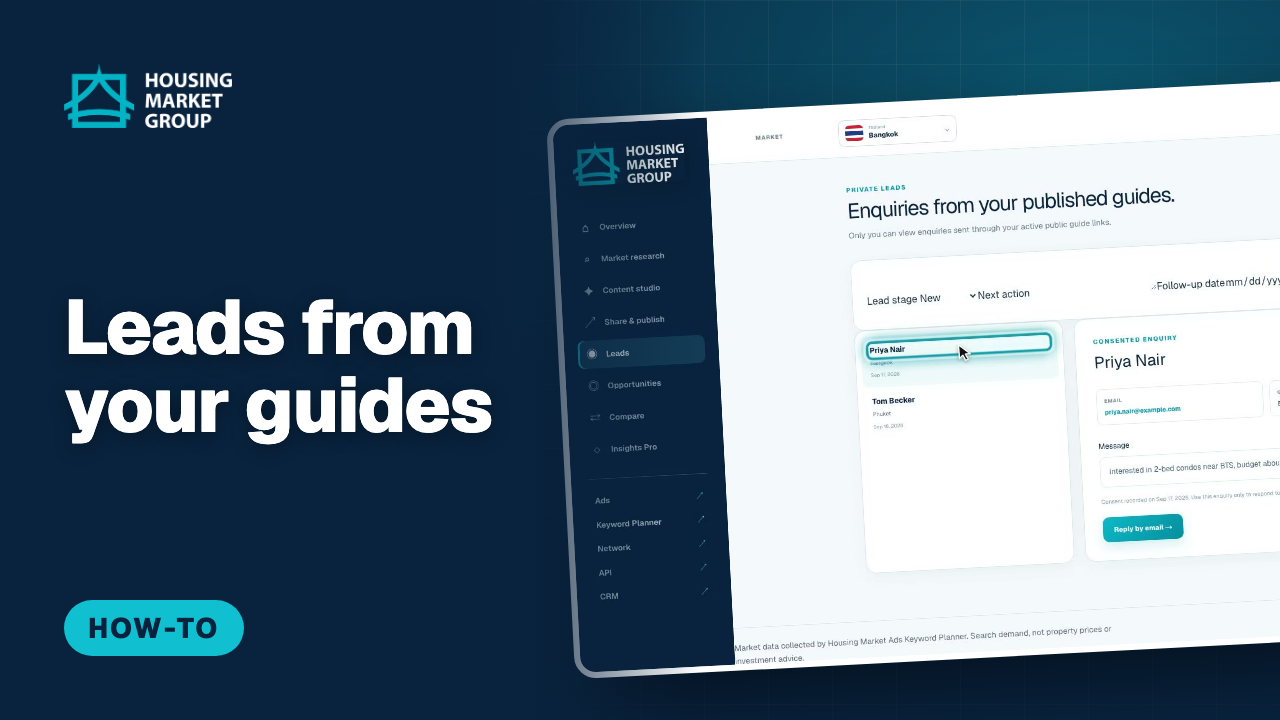
Guide Leads in Housing Market Insights — Your Enquiries
When you share a guide from Housing Market Insights, readers can send you an enquiry from the public guide page. Those enquiries arrive under Leads. This tutorial opens Leads and reads two enquiries — who wrote, their email, their message, the market and the guide they came from, and when they gave consent to be contacted — so you can follow up with the right information straight away.
Watch and follow the steps : Guide Leads in Housing Market Insights — Your Enquiries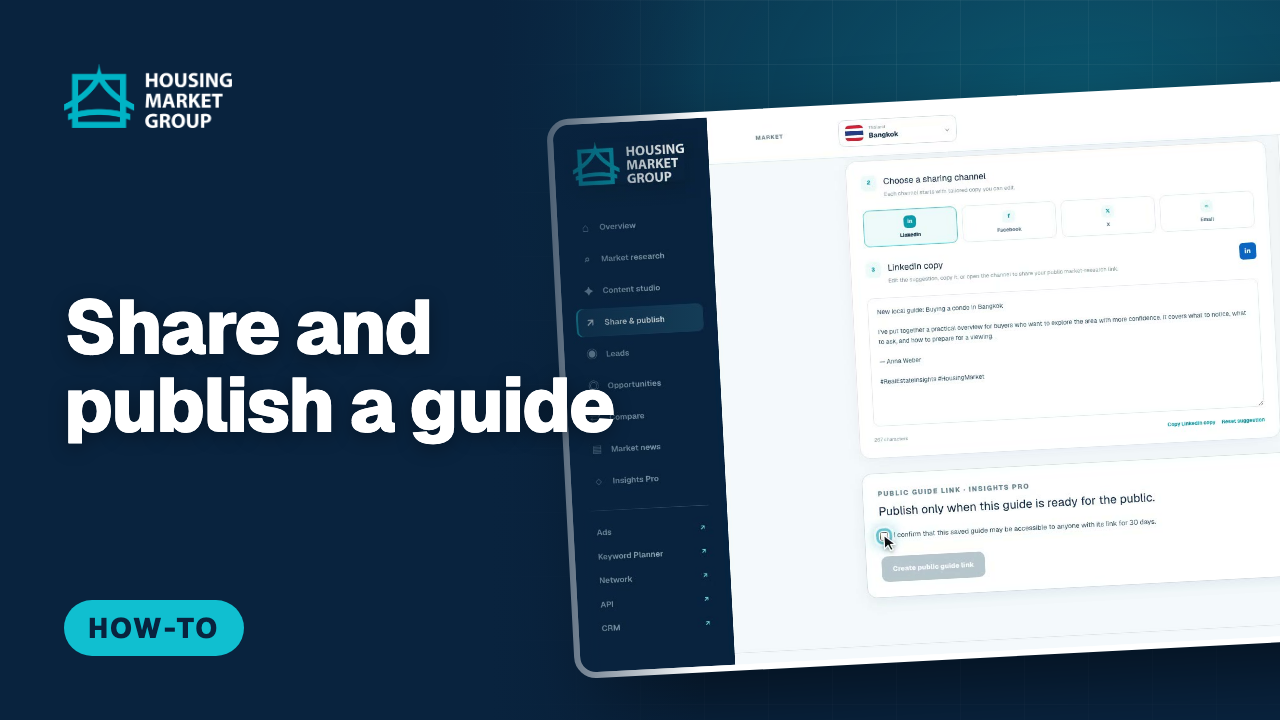
Share and Publish a Guide in Housing Market Insights
Once a guide is saved, the Share page helps you put it in front of clients. This tutorial opens a saved guide on the Share page of Housing Market Insights, checks the identity that appears on the branded preview, chooses a sharing channel, and copies the suggested post, which you can edit first. Then, with Insights Pro, it creates a public guide link: you tick a confirmation that anyone with the link may read the guide, the link is created and shows the date it expires, and you can add a campaign name to get a tracked link and a QR code, or withdraw the link at any time. Insights never posts for you: you review and complete every share yourself.
Watch and follow the steps : Share and Publish a Guide in Housing Market Insights
Pro and billing
How to Upgrade to Housing Market Insights Pro
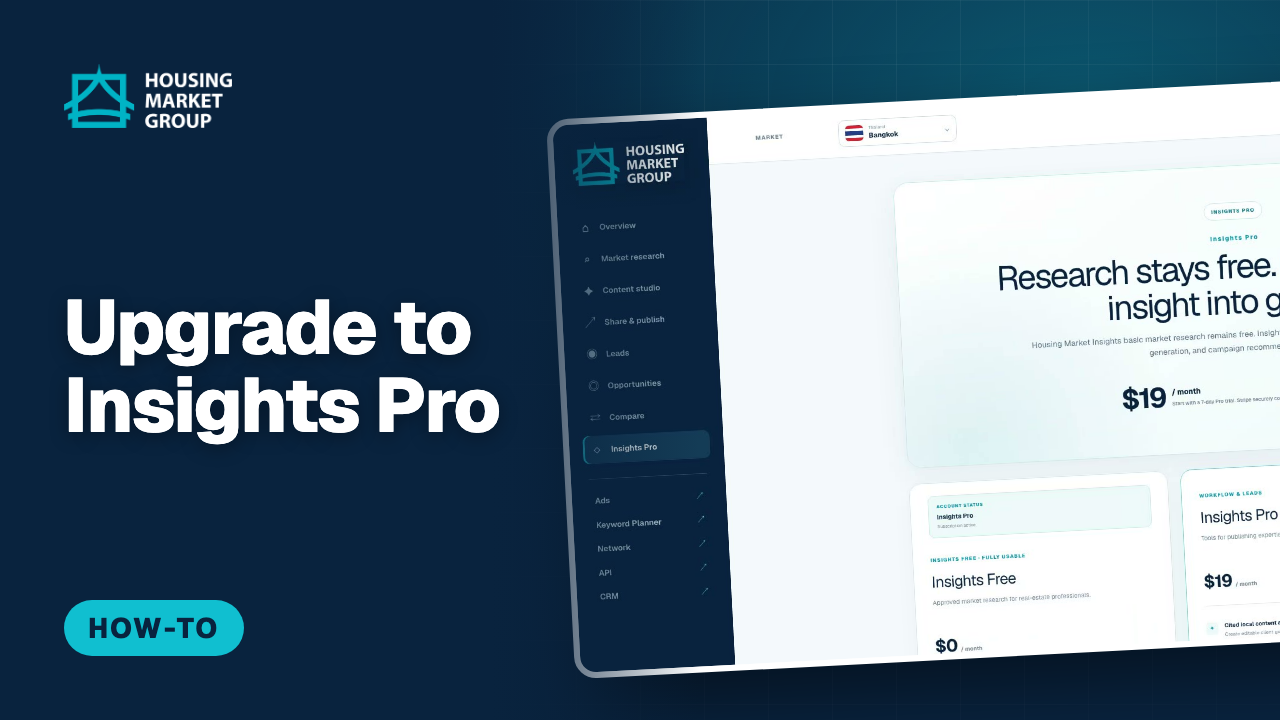
Housing Market Insights Pro costs $19 per month and starts with a 7-day trial. This tutorial opens Plans from the Upgrade to Pro button, compares Free and Pro, and starts the trial. Payment details are entered on our payment provider's page — a card is required for the trial — and afterwards you return to Plans, which confirms the upgrade within a few seconds and unlocks history, exports, comparisons and the other Pro tools.
Watch and follow the steps : How to Upgrade to Housing Market Insights Pro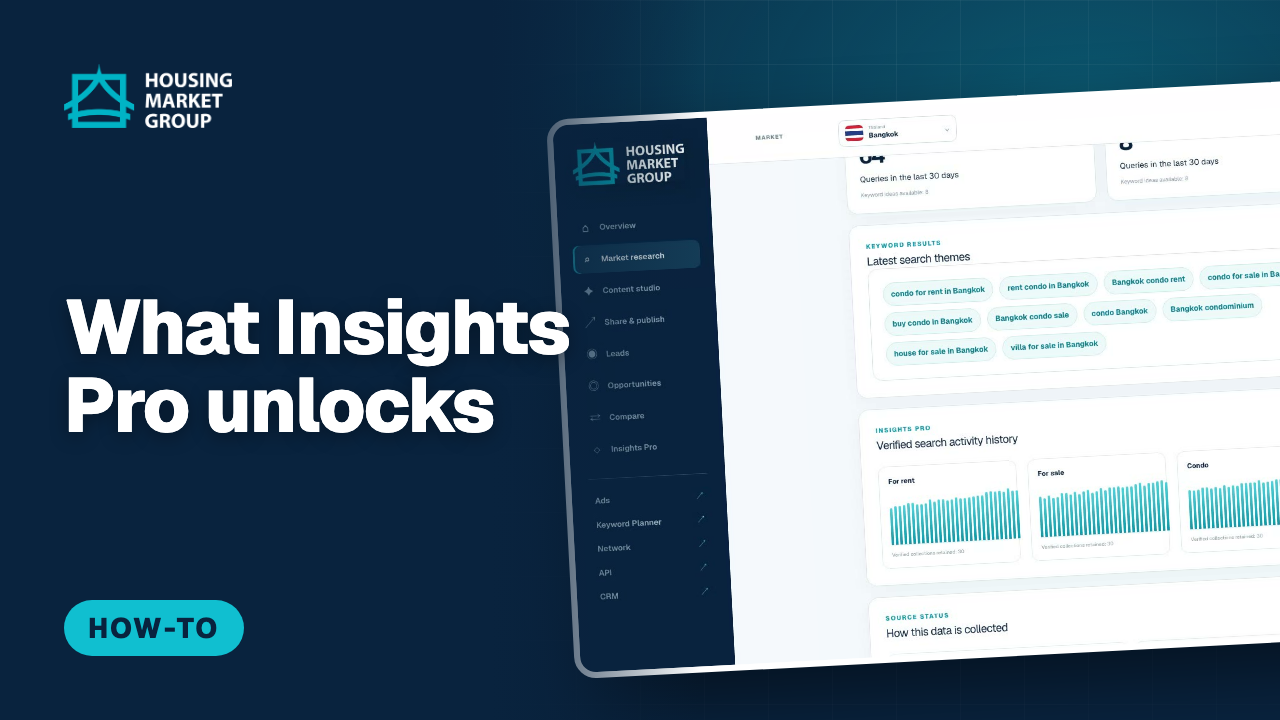
Pro Data in Housing Market Insights — What You Unlock
Insights Pro turns a snapshot into a trend. This tutorial shows the Pro data on the research page: verified search activity history for the last 30, 90 or 365 days for renting, buying and each property type; the full history page with a day-by-day record; Pro source evidence; and comparisons of two to four markets. The demo market is Bangkok, where rental searches lead sale searches.
Watch and follow the steps : Pro Data in Housing Market Insights — What You Unlock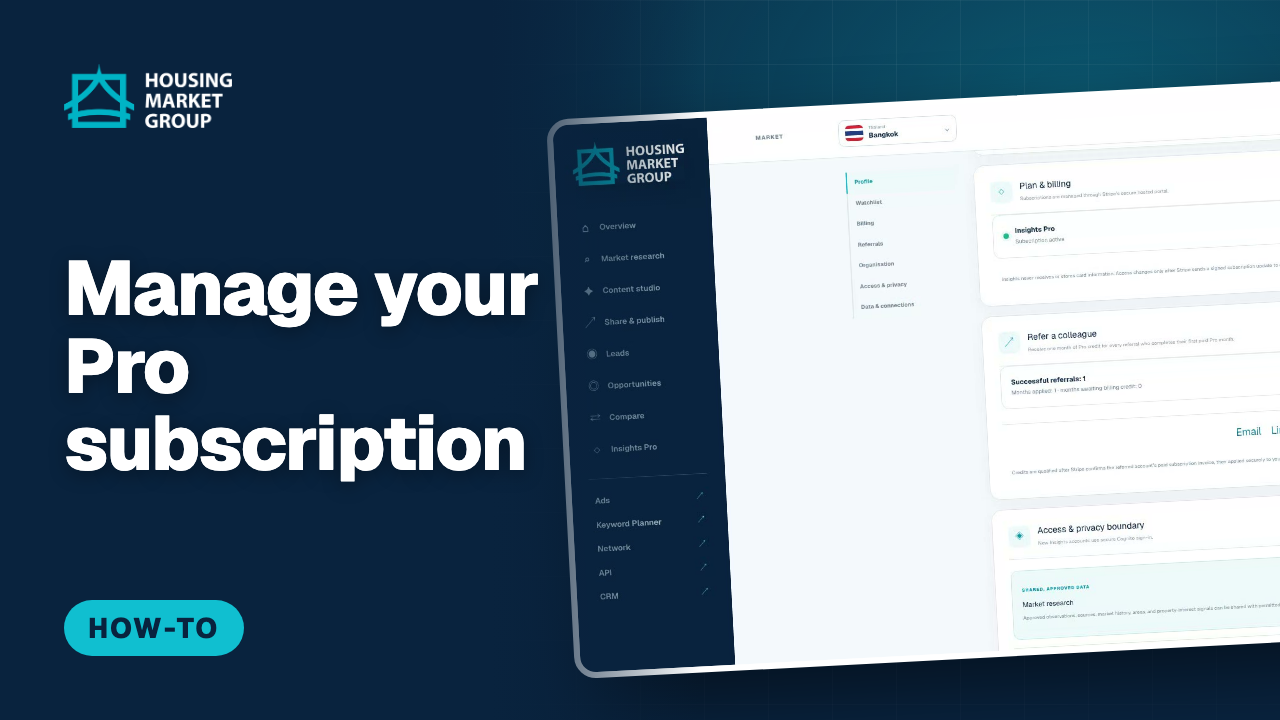
How to Manage Your Housing Market Insights Pro Subscription
Your Insights Pro subscription is managed on our payment provider's secure billing page, reached from Housing Market Insights. This tutorial opens Settings, goes to Plan & billing, follows "Manage subscription" to Plans, and shows the Manage subscription button that opens our payment provider. There you can change the card you pay with, update billing details, download invoices, or cancel Pro. Insights never shows or stores your card number.
Watch and follow the steps : How to Manage Your Housing Market Insights Pro Subscription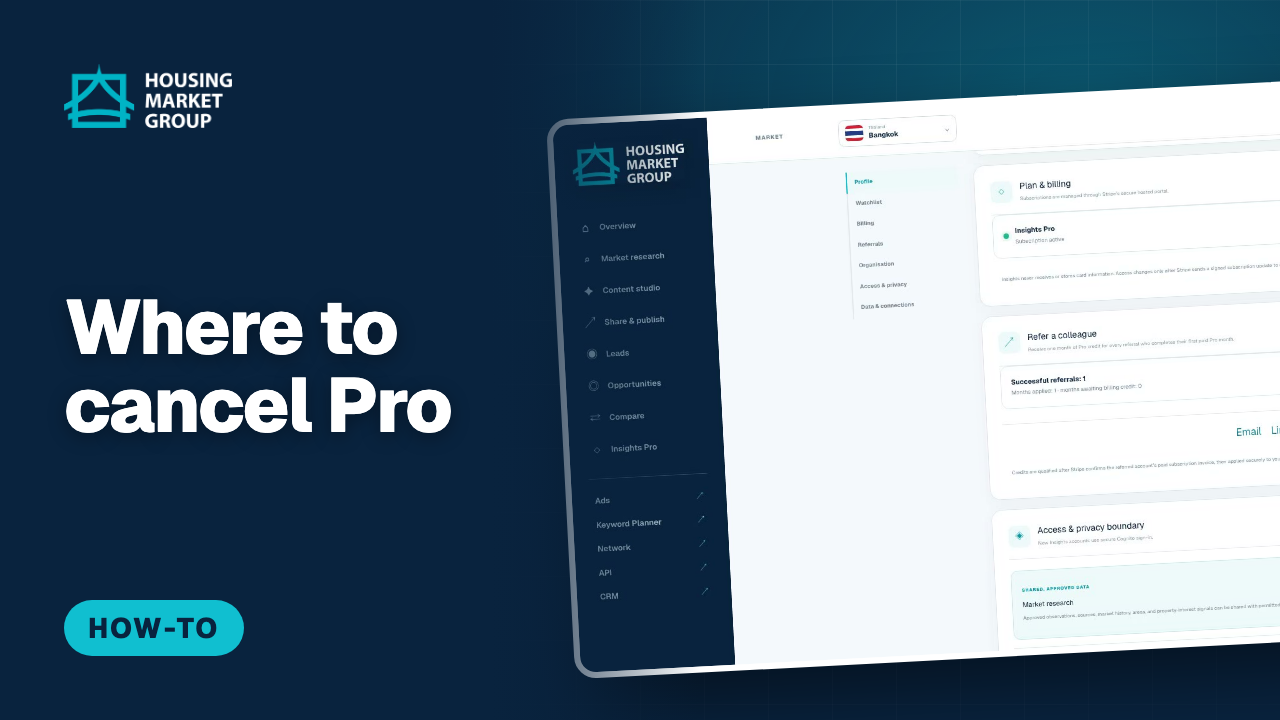
Where to Cancel Housing Market Insights Pro
Cancelling Insights Pro is done on our payment provider's secure billing page, and this tutorial shows the route to it and what to expect when you get there. It opens Settings, goes to Plan & billing where your current plan and renewal are shown, and follows "Manage subscription" to the point where Housing Market Insights hands you over to our payment provider. The cancellation itself is a button on our payment provider's page — a third-party page that needs your real billing account — so the video stops at the handoff and explains what happens next rather than pretending to cancel a subscription.
Watch and follow the steps : Where to Cancel Housing Market Insights Pro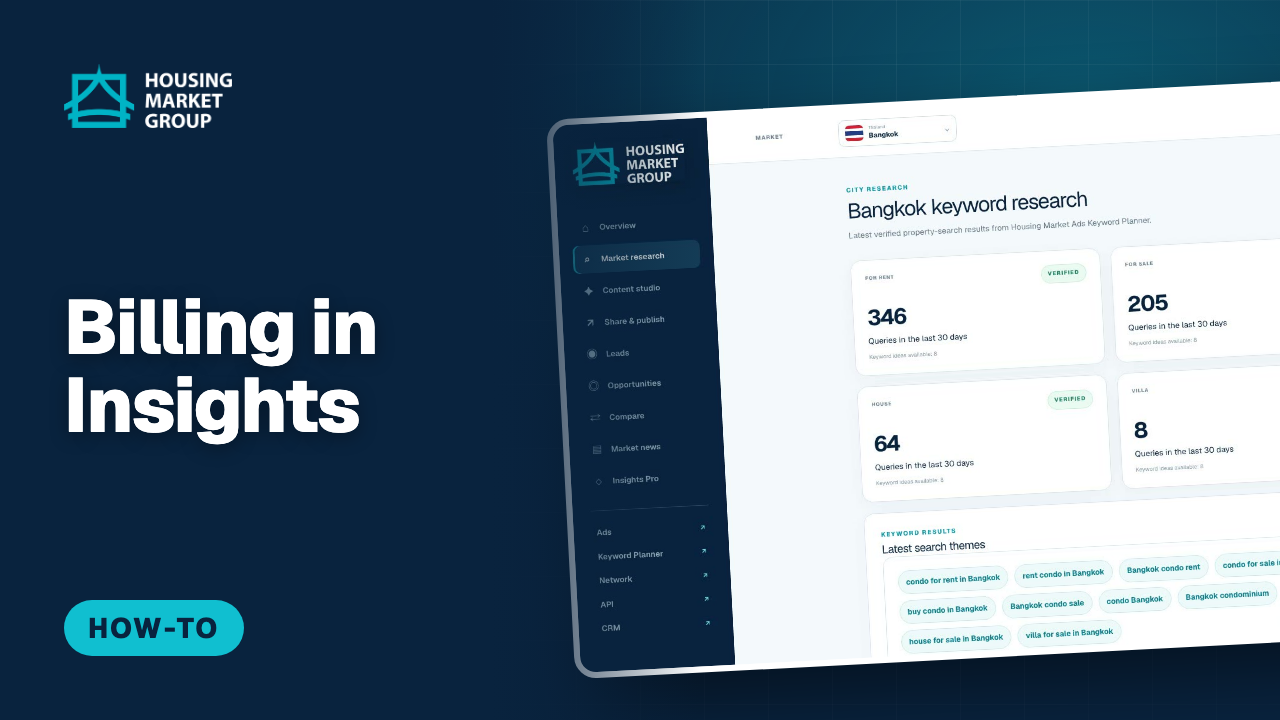
Housing Market Insights: Open Your Billing Center From the Menu
Housing Market Insights now has a Billing entry in the left menu. It opens your billing center, one place where you see your invoices and keep your billing profile, the same place you use for the other Housing Market products. This tutorial opens your Insights workspace, finds Billing in the menu, and explains what it opens and what stays inside Insights, such as choosing or changing your plan in Settings. This feature is new: tell us what you think.
Watch and follow the steps : Housing Market Insights: Open Your Billing Center From the Menu
All tutorials for every Housing Market product are in the Housing Market Help Centre, with search and your own progress.